
Steps to View an Order
- Navigate to Orders from the left sidebar.
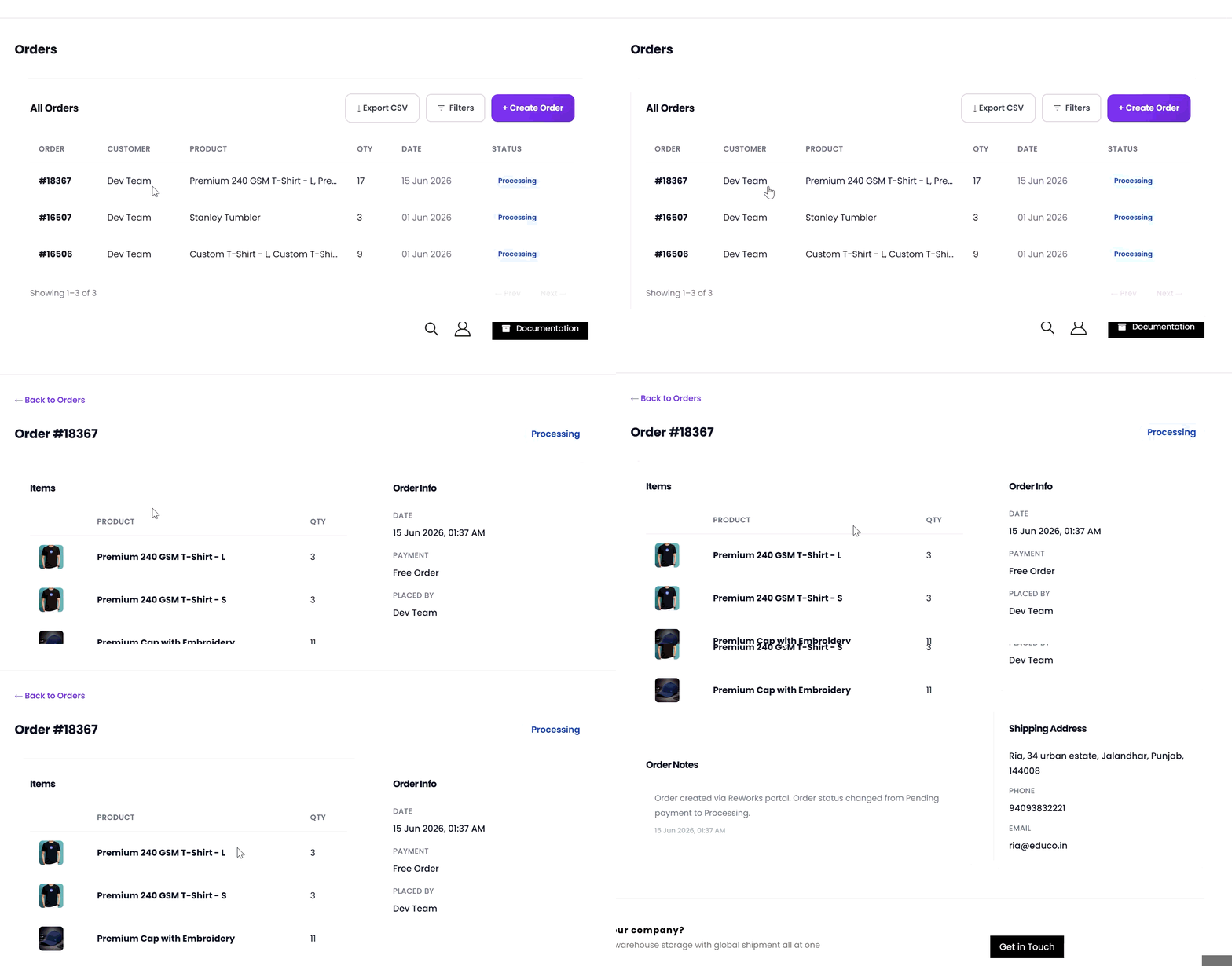
The Orders Dashboard displays a list of all orders. - Click the order you want to review in the orders table.
- You are redirected to the Order Details page for the selected order.
What Happens After Clicking View?
Once the Order Details page opens, you can review the complete information related to the order:- Ordered items and quantities
- Order totals and earnings
- Current order status and creation date
- Customer contact information
- Billing and shipping addresses
- Order notes and system logs