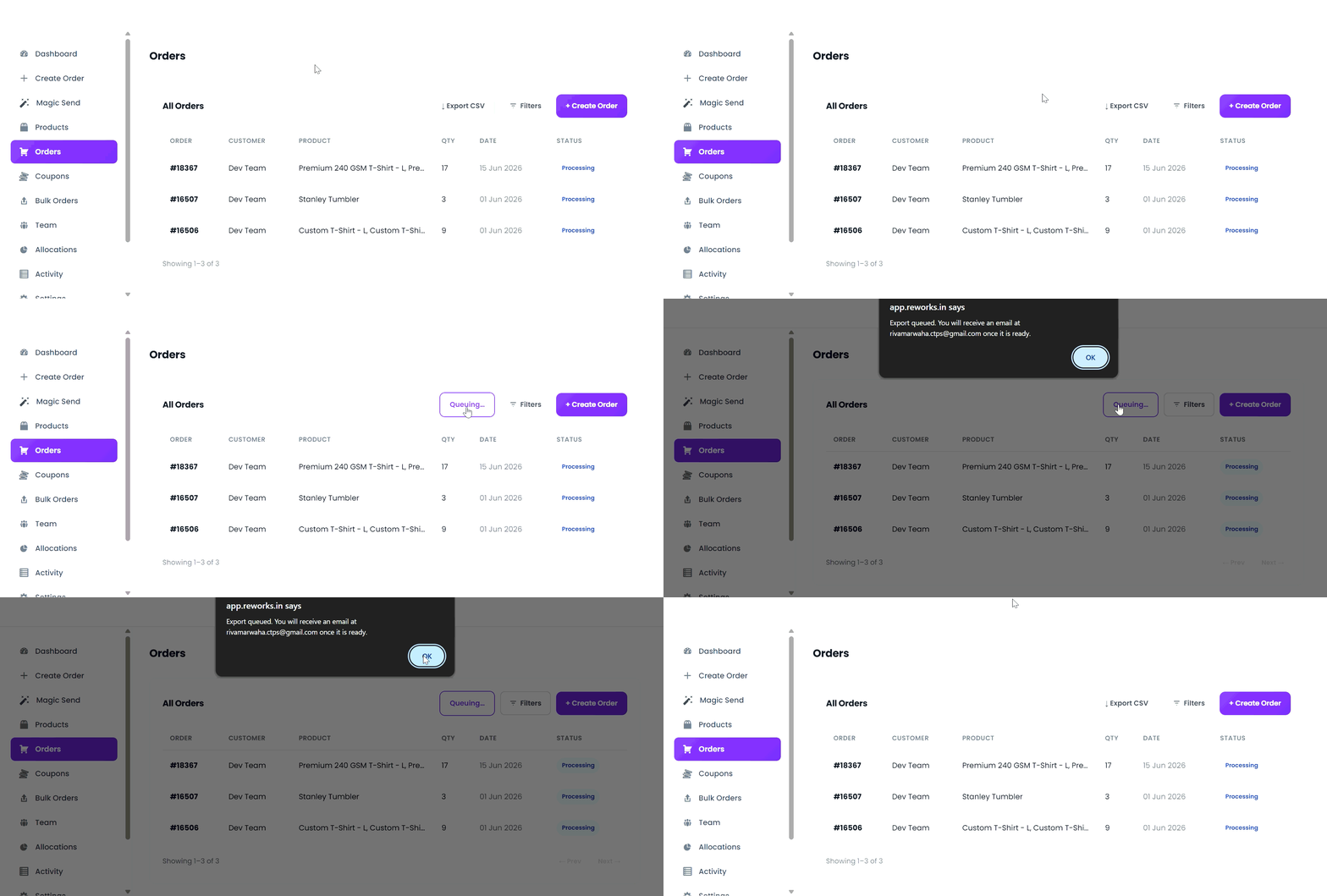
Follow the steps below to export order data from the Orders Dashboard. Easily export your order data in CSV format for reporting, analysis, or record-keeping.
From the left navigation menu, select Orders.
The Orders Dashboard displays all orders associated with you by default.
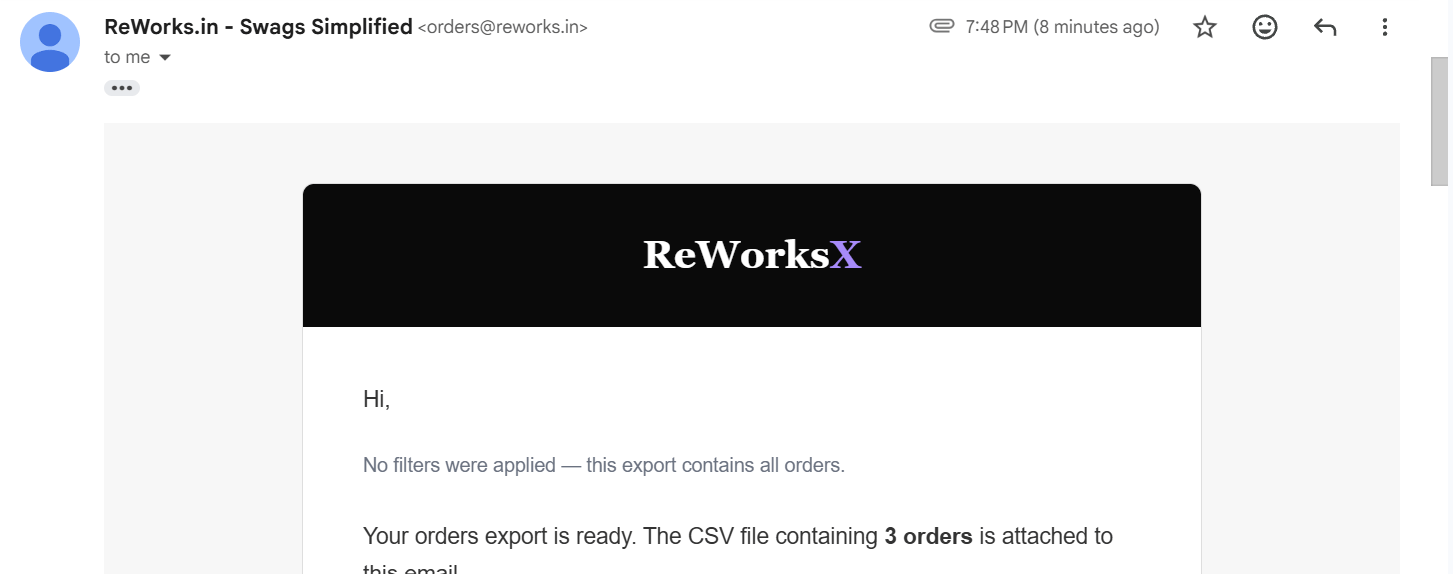
The exported file is automatically mailed in CSV format, making it compatible with spreadsheet tools and reporting systems.
If you don’t receive the email, check your Spam or Promotions folder and ensure you’re using the correct account email.