.png?fit=max&auto=format&n=UmrGSXYSuzVQw1Iv&q=85&s=4212ef1940e11cfe7f016e7f0285e8e1)

Accessing Create Order
To create a new order:- Navigate to Create Order from the left sidebar.
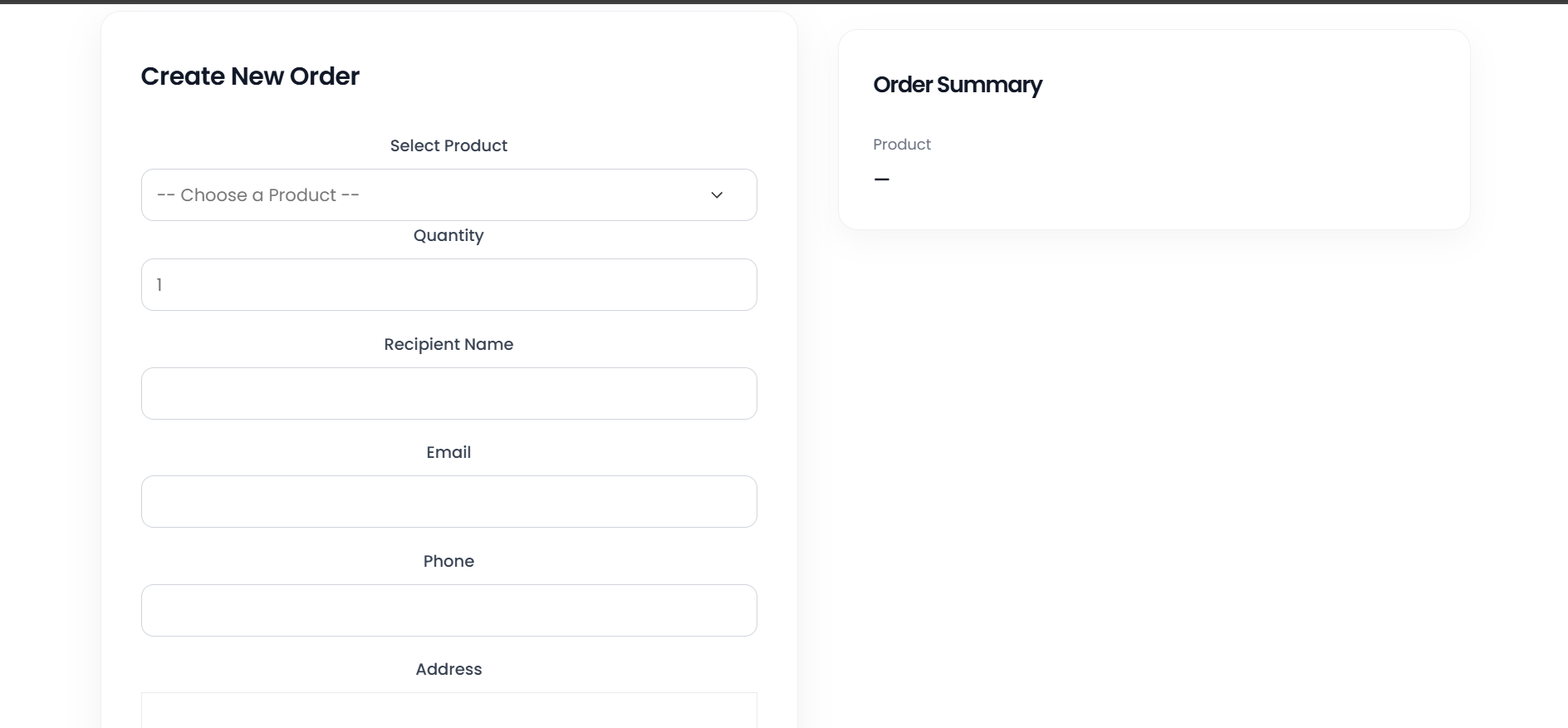
- The Create New Order form opens with order input fields on the left and an Order Summary panel on the right.
- Single Order with Address?
- Multiple Order with Addresses?
- Multiple Order but No Addresses?