> ## Documentation Index
> Fetch the complete documentation index at: https://docs.reworks.in/llms.txt
> Use this file to discover all available pages before exploring further.
# Export Coupons Batch
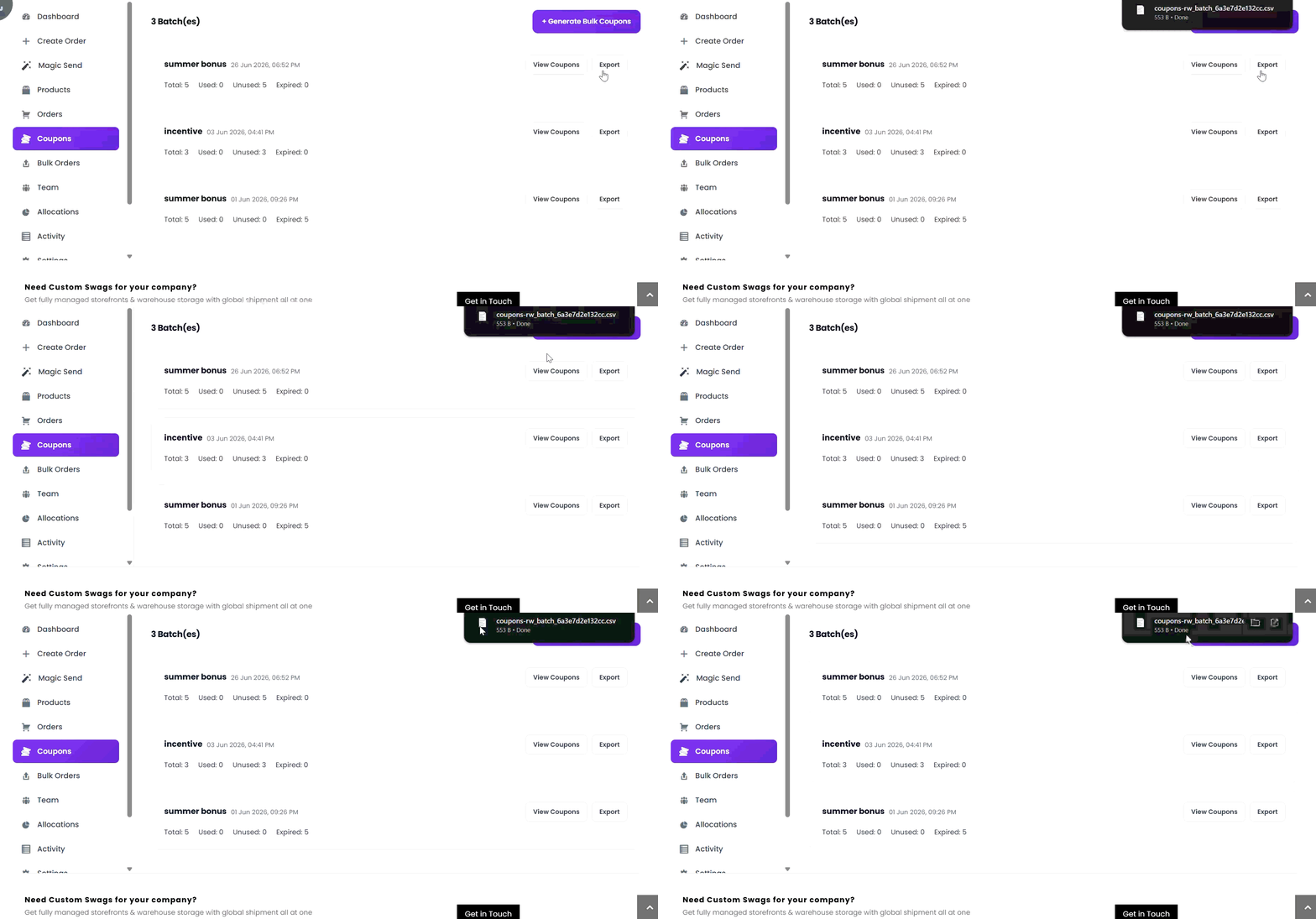
1. Go to **Coupons**.
2. Find the coupon batch you want to export.
3. Click **Export**.
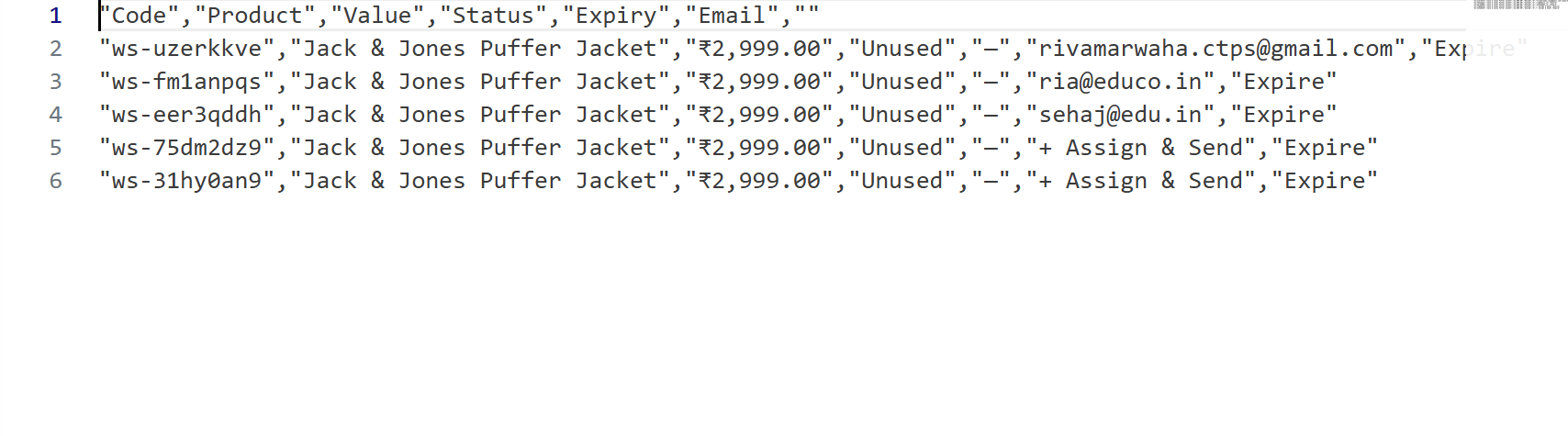
4. The system downloads a CSV file containing all coupons in that batch.
 CSV exports include coupon code, product, value, status, expiry date, and associated email information.